
Start With the Basket and Delivery Details
Before you pay, make sure the items in your basket are the ones you want and that the delivery address is correct. A small typing error in the suburb, street name, or unit number can hold up dispatch, especially when the parcel is going to a secure estate or a business park in Midrand, Johannesburg or Pretoria.
If you are sending a gift, check that the recipient’s name and contact details are entered correctly. For bulk orders or corporate gifting, it helps to confirm quantities and packaging requests first so the payment matches the final order exactly.
- Review item sizes, colours and quantities before checkout.
- Check the delivery area and postal code carefully.
- Use the correct contact details for the person receiving the parcel.
- Keep notes of any special delivery instructions for apartments, estates or office parks.
Choose a Safe Payment Method That Works for You
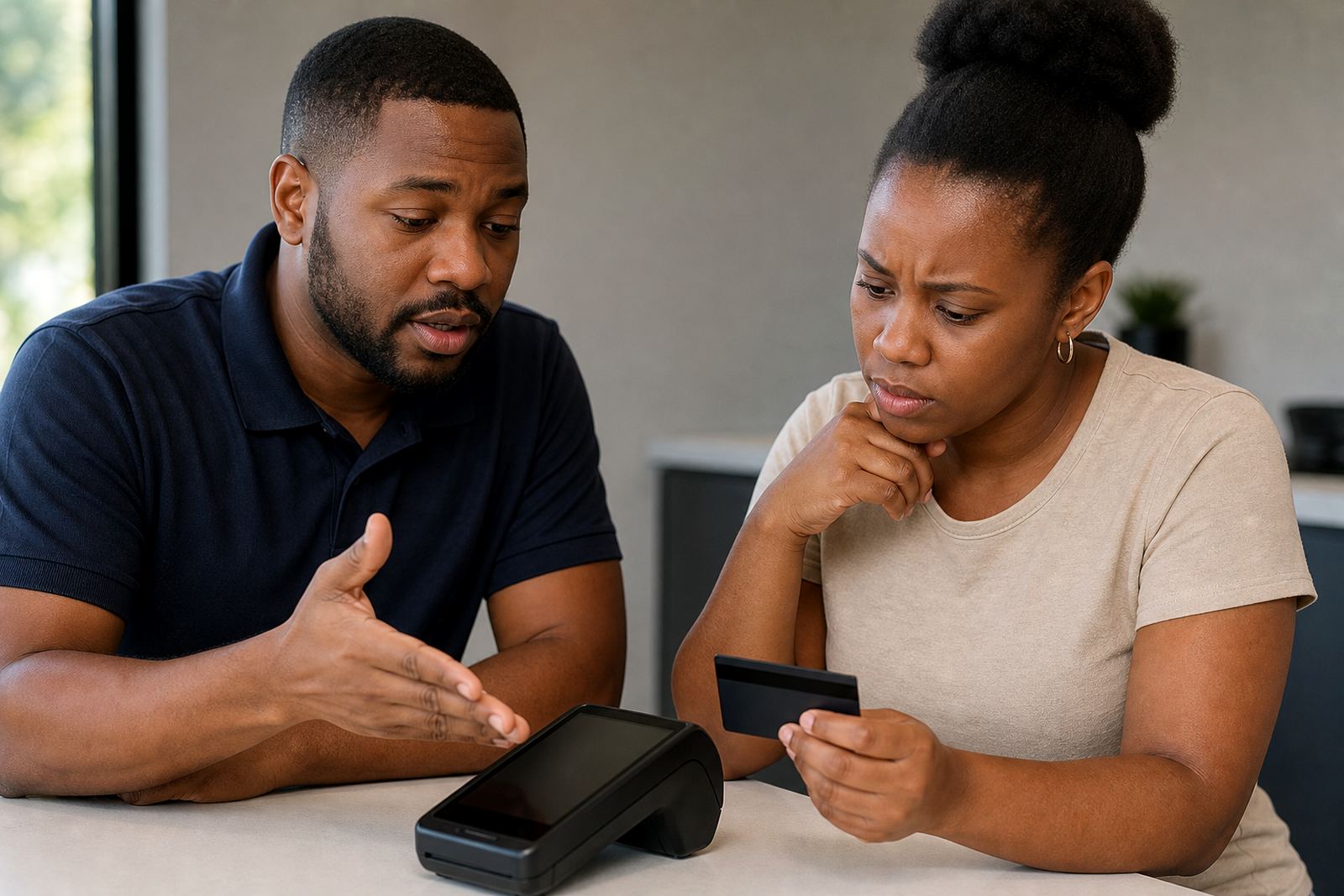
We support secure checkout for South African shoppers who want a simple payment process. If one payment option fails, try another available method rather than refreshing the page repeatedly. In many cases, a card payment may be blocked by your bank’s fraud checks, or an internet banking session may time out during checkout.
When load-shedding or a weak signal interrupts the process, wait a minute and log back in before starting again. Do not place the same order two or three times in a row, because that can create duplicate payment attempts and delay confirmation.
- Keep your card close by if you are paying online.
- Make sure your bank app or verification method is ready.
- Use a stable connection, especially on mobile data.
- If the page freezes, exit once and return to checkout rather than paying twice.
What to Do If Checkout Stops or Errors Out
If checkout gives an error message, the cause is often small and easy to fix. Check whether all required fields are completed, whether your card details are entered correctly, and whether your browser needs to be refreshed. Clearing old saved details can also help if the page is holding onto outdated information.
Some browsers block pop-ups or payment windows, which can interrupt the final step. On shared devices in the office or at home, make sure another tab is not still open with an old basket. If the problem continues, try the process again using a different browser or device.
- Update the page and re-enter your details carefully.
- Check expiry dates and security codes on card payments.
- Allow the payment window if your browser blocks pop-ups.
- Try a second browser if the first one keeps failing.
When Your Payment Is Successful But No Confirmation Arrives
If your money has left your account but you have not received an order confirmation, do not panic. Sometimes the bank updates faster than the order system, or the message can land in junk mail. Check your inbox, spam folder and any filtered folders first.
Keep the time of payment, the amount and the payment reference handy. If you still cannot find the confirmation, send the details through the enquiry form on our contact page so the team can check the order status. That makes it easier for us to trace the payment and sort out the next step.
- Check spam, junk and promotions folders.
- Confirm the payment amount matches your order total.
- Keep your proof of payment or card notification nearby.
- Use the enquiry form if the confirmation does not arrive within a reasonable time.
Payment Help for Deliveries Across South Africa
Our courier delivery service reaches Johannesburg, Pretoria, Cape Town, Durban and Gqeberha, as well as Midrand, the East Rand and the West Rand. Because delivery rates and timing can vary by area, the final amount should be checked before payment so there are no surprises later.
If you are ordering for a coastal address, remember that humid conditions can affect certain home and kitchen items if they are left outside too long after delivery. For apartments, estates and offices, it is worth confirming access rules before paying so the parcel can get to the right place without delays.
- Check the delivery fee for your area before you complete payment.
- Make sure gate codes, reception details and unit numbers are correct.
- Ask about any special requirements for business addresses or estates.
- Confirm if the order is going to a residential or work address.
If You Need Help After Paying
After payment, keep your order details safe until the parcel has been delivered. This is useful if you need help with tracking, returns assistance, or an item that needs to be checked against your order. For gift wrapping, wishlist support, deal alerts or product sourcing, the same order record helps the team assist you more quickly.
Our Midrand team can help with payment questions, order confirmation issues and delivery queries through the enquiry form on our contact page. If you are dealing with a corporate order or multiple parcels, it helps to mention the full order list and the town or suburb involved, so we can respond accurately.